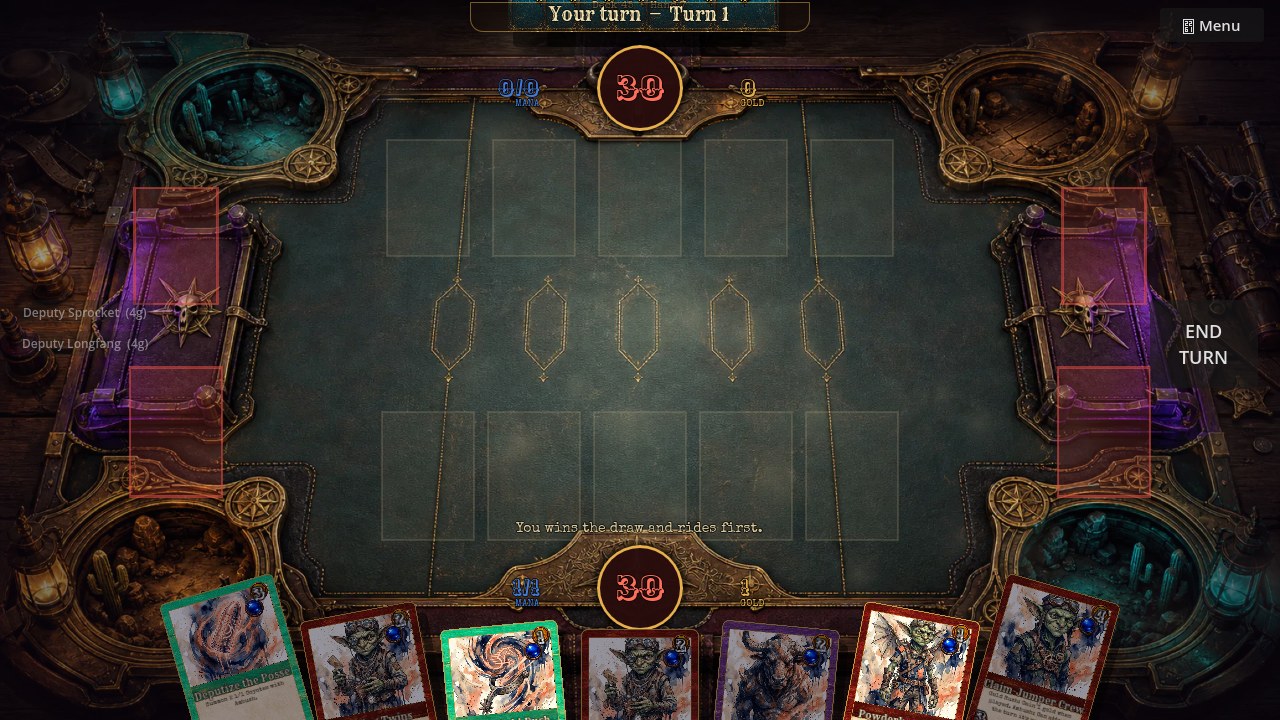
Update, September 2026: The server has moved again — the current address is mc.goblinsandgunslingers.com:1788, so use that wherever this post says :62578; the world, the loadout, and the 100-player cap are unchanged, and the live address is always kept on the Hytale server page linked below. The drawing series keeps growing on the YouTube channel. And the card game itself has since launched on Steam in Early Access, free on Windows and macOS.
The Hytale Server Has a New Connection Address
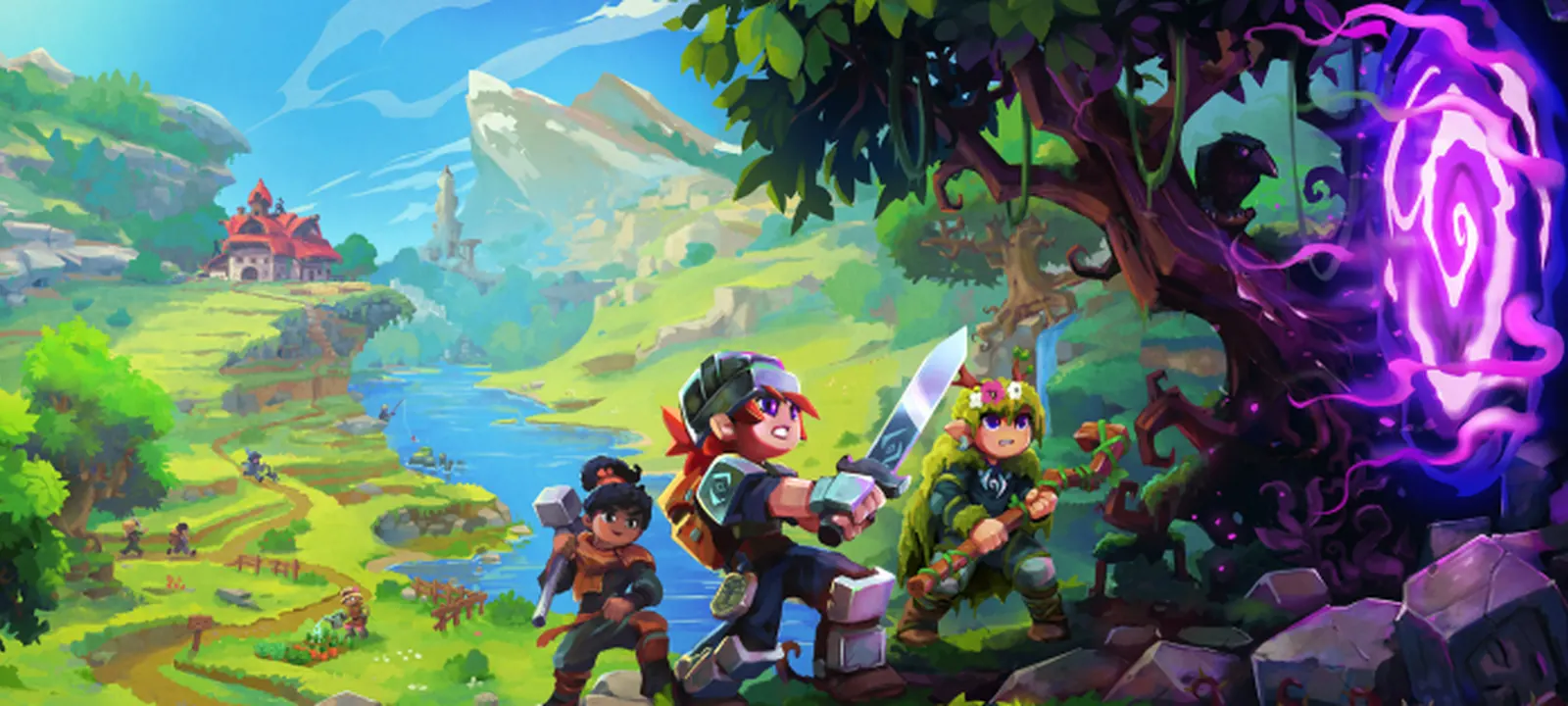
If you have joined our community-run Hytale server before, point your Hytale client at the new address: mc.goblinsandgunslingers.com:62578. The previous port has been retired as part of a tunnel cleanup on the host side, but everything else stays the same — same server, same world, same HyGuns 3.6.1 loadout, same 100-player capacity.
The full quick-start guide, support tiers, and live status updates are still on the Hytale server page. If you run into any connection trouble, jump into our Discord — onboarding help is fastest there.
How to Reconnect
- Launch Hytale and open the multiplayer server browser.
- Enter mc.goblinsandgunslingers.com:62578.
- Drop into Crumble Creek, get your bearings, and check the Discord pinned post for any active events.
That is it. If you had the server bookmarked under the old port, just edit the saved entry — no other client-side changes needed.
YouTube Drawing Tutorials Are Live
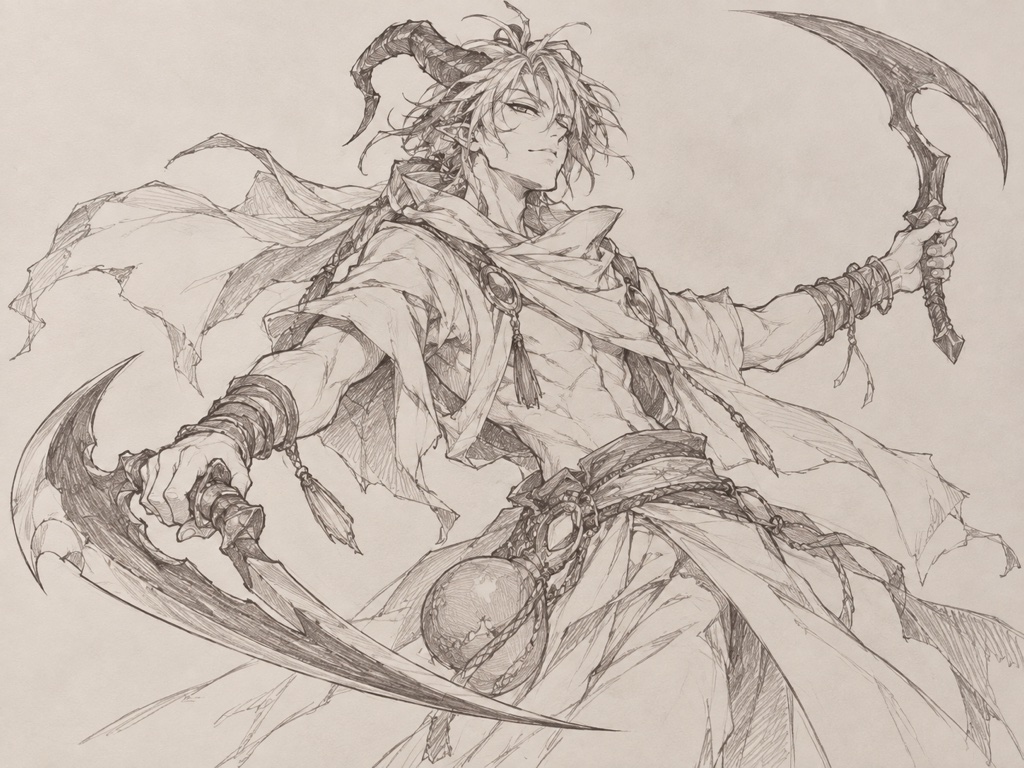
Alongside the server update, we are rolling out a fresh series of beginner-friendly pencil drawing tutorials on YouTube focused on the Goblins & Gunslingers art style. Each episode breaks down a single iconic frontier character, step by step, using nothing but a pencil and paper.
The first wave covers:
- How to Draw a Goblin Gunslinger — the easiest entry point, focused on shape language and silhouette.
- How to Draw a GNG Jolly Roger — a cowboy skull with crossed revolvers, perfect for shading practice.
- How to Draw a Desert Devil — horns, snarl, and dual pistols. Slightly more advanced.
- How to Draw a Western Sheriff — mustache stroke work and classic western proportions.
- How to Draw a Straw Elf — a deep dive into pencil texture (straw, burlap, twine).
Every tutorial pairs a long-form walkthrough with a 45-second Short, so you can either follow along in detail or just learn the trick of the day in under a minute. Every character we draw is a real card in the game — once you finish a tutorial, you can find that creature in the card gallery and play it in your next match.
What Is Next on the Frontier
The roadmap is moving on multiple fronts at once: more Hytale server events, more drawing tutorials covering Dwarves, Gnomes, Golems, and Beasts, and continued expansion of the in-browser TCG with new factions and Frontier Run roguelike content. The full breakdown of what is live, in progress, and planned lives on the roadmap page.
Want to support the frontier? The fastest ways: hop on the Hytale server, subscribe on YouTube, share a tutorial with a friend who likes drawing, or pick up the Wild Frontier RPG sourcebook on DriveThruRPG.
And when the campfire burns down, the card game is free to play in the Online Outpost — no account needed to sit down. See you on the frontier.